

Luxonis OAK-1 W PoE Specs
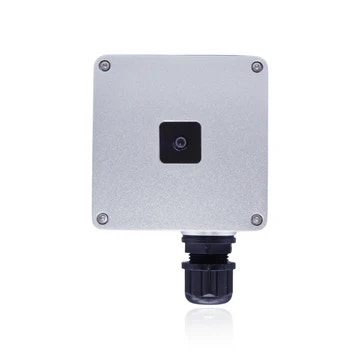
Luxonis OAK-1 PoE Specs
Luxonis OAK-D W PoE Specs
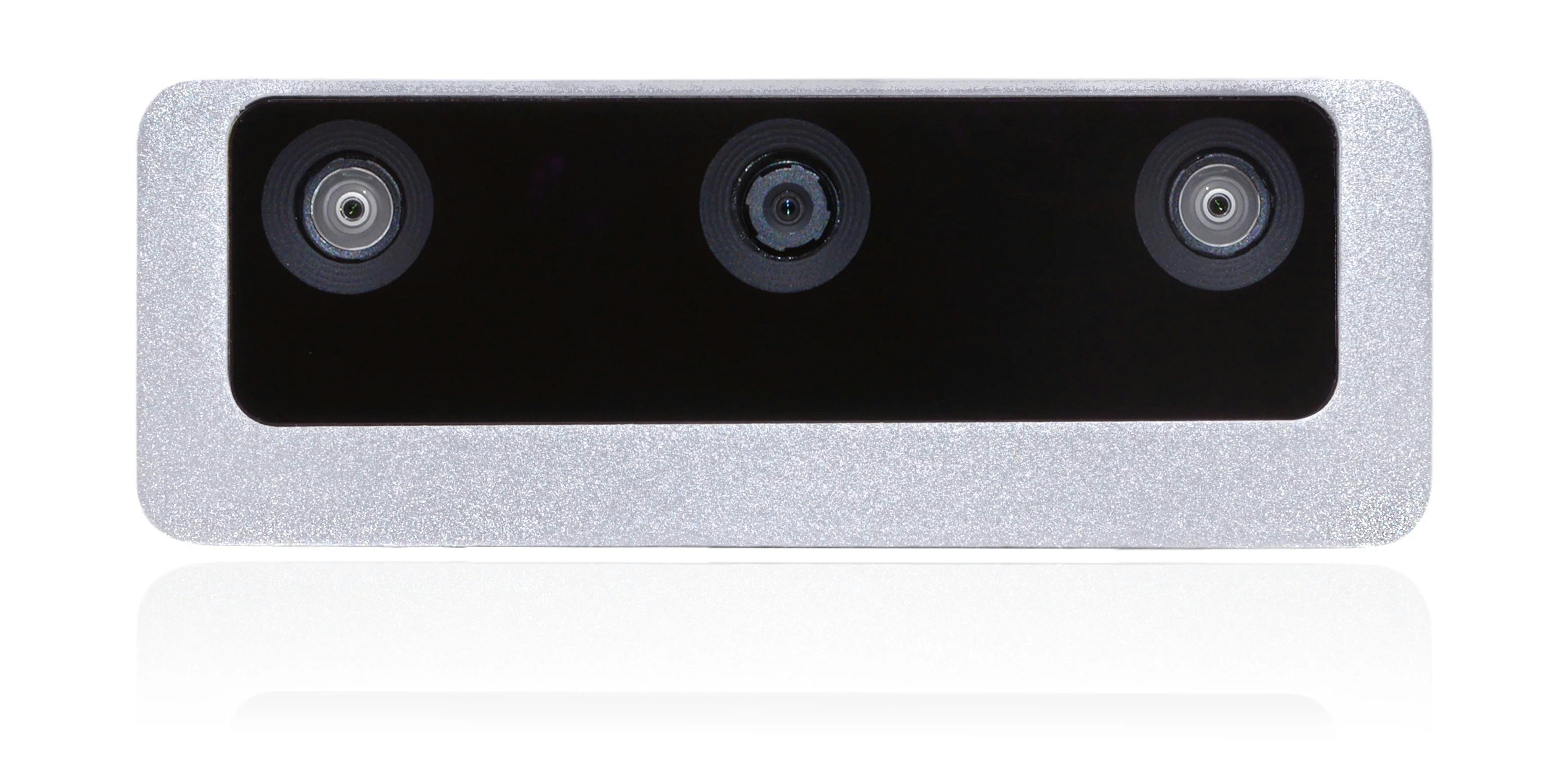
Luxonis OAK-D S2 PoE Specs
Hardware Deployment & Networking
1
Cabling & Power
Each OAK (RVC2) PoE unit needs to be connected to a dedicated Power over Ethernet (PoE 802.3af / PoE+ 802.3at) switch port using certified shielded Cat6 or Cat6a cabling.
2
Network Subnet Configuration
The host capture workstation network interface card (NIC) must be in the same local IP subnet as the cameras.
Verify that local firewall profiles permit UDP/TCP broadcast traffic for automatic camera discovery.
3
Automatic Discovery
Once the Moverse Capture Studio spawns, it will automatically detect the cameras and populate the Devices list.
Diagnostic Troubleshooting
Camera Fails to Power On
Camera Fails to Power On
- PoE Budget Exhaustion: Verify that the network switch supplies active 802.3af/at power on the specific port and that aggregate array draw does not exceed the switch power supply ceiling.
- Cable Integrity: Test the run with a certified Ethernet cable tester. Passive PoE injectors or non-compliant pinouts will fail to initiate the hardware handshake.
Camera Not Discovered by Moverse Capture Studio
Camera Not Discovered by Moverse Capture Studio
- Subnet Mismatch: Ensure the host workstation adapter and camera nodes reside in the identical IPv4 address range (e.g.,
192.168.1.xxxwith a255.255.255.0mask). - Broadcast Filtering: Verify that network firewalls or managed switch VLAN configurations are not dropping multicast discovery packets.
- Power Cycle: Disconnect the Ethernet cable, wait 10 seconds to fully discharge internal capacitors, and reconnect to re-trigger DHCP or link-local address assignment.
Video Stream Failure or Black Viewports
Video Stream Failure or Black Viewports
- Process Handles: Close and relaunch Moverse Hub and Moverse Capture Studio to clear stale camera socket handles.
- Switch Backplane Saturation: Confirm the network switch backplane throughput can handle concurrent continuous video feeds across all active nodes. If bandwidth contention occurs, reduce the Bandwidth Allocation slider in Moverse Hub.
Frame Drops & Intermittent Disconnections
Frame Drops & Intermittent Disconnections
- Flow Control: Enable flow control on all switch ports.
- Jumbo Frames / MTU: Set the maximum transmission unit (or Jumbo Frame) to the max value (typically 9000).
- Dedicated Topology: Isolate the camera network array from secondary high-traffic office or internet data feeds to eliminate packet collisions.
Image Artifacts or Rolling Shutter Flicker
Image Artifacts or Rolling Shutter Flicker
- Anti-Flicker Setting: Match the Anti-Flicker Frequency in Moverse Hub (50Hz vs. 60Hz) to the electrical grid frequency of your powerline.
- Illumination Levels: Ensure sufficient volume illumination to prevent high sensor gain amplification, which introduces high-ISO image noise.
Additional Technical Resources
Luxonis Technical Documentation
Low-level hardware schematics, sensor timings, and DepthAI documentation.
Luxonis Community Forum
Hardware architecture discussions and engineering support threads.