> ## Documentation Index
> Fetch the complete documentation index at: https://docs.moverse.ai/llms.txt
> Use this file to discover all available pages before exploring further.
# Account Settings
The Profile page of the Moverse Portal allows you to manage various aspects of your personal account settings. This guide outlines how to update your profile picture, personal details, reset your password, and deactivate your account.
 {/* - **Change Profile Picture**: Click on your current profile picture to upload a new one. Choose a file from your computer, adjust it if necessary, and save it to update your profile image. */}
### Update Profile Details
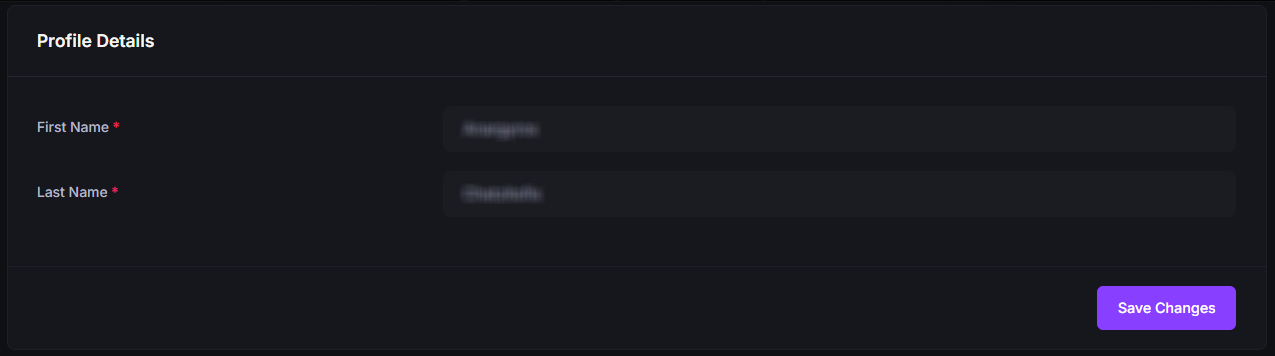
* **Edit Profile Details**: Modify your personal information such as name, contact details, and any other relevant information that can be updated. Save your changes to ensure your profile remains up-to-date.
{/* - **Change Profile Picture**: Click on your current profile picture to upload a new one. Choose a file from your computer, adjust it if necessary, and save it to update your profile image. */}
### Update Profile Details
* **Edit Profile Details**: Modify your personal information such as name, contact details, and any other relevant information that can be updated. Save your changes to ensure your profile remains up-to-date.
 ### Reset Password
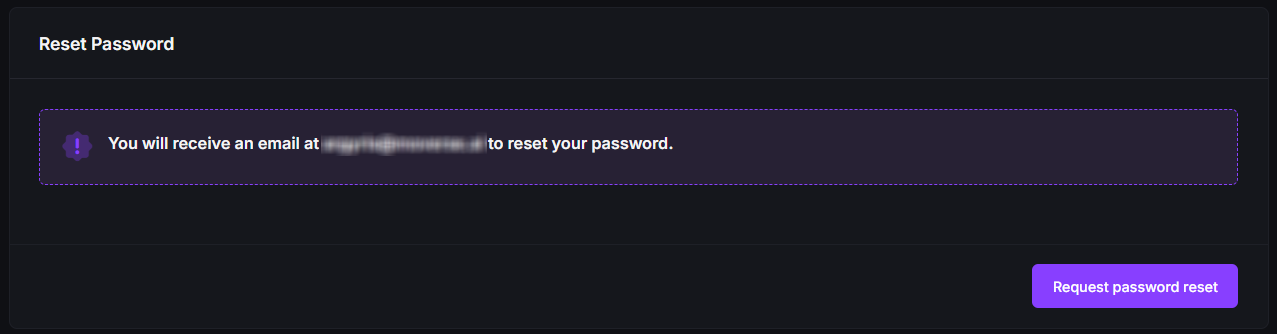
* **Password Reset**: If you need to change your password for security reasons or simply wish to update it, click on the 'Reset Password' option. Follow the instructions to securely change your password.
### Reset Password
* **Password Reset**: If you need to change your password for security reasons or simply wish to update it, click on the 'Reset Password' option. Follow the instructions to securely change your password.
 ### Deactivate Account
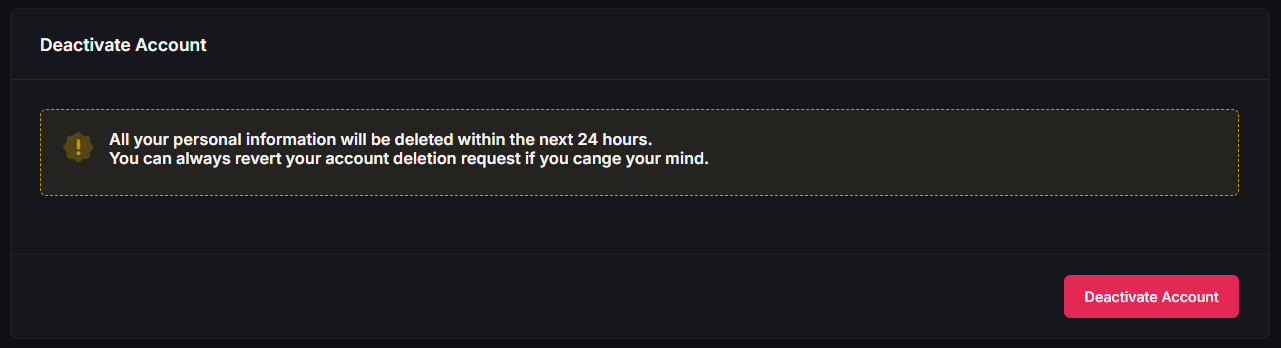
* **Account Deactivation**: If you decide to deactivate your account, find the 'Deactivate Account' option at the bottom of the page. Be aware that deactivating your account may result in the loss of data and access to the portal's services. Confirm your choice if you are sure you wish to proceed.
### Deactivate Account
* **Account Deactivation**: If you decide to deactivate your account, find the 'Deactivate Account' option at the bottom of the page. Be aware that deactivating your account may result in the loss of data and access to the portal's services. Confirm your choice if you are sure you wish to proceed.
 ### Conclusion
Regularly updating your profile and maintaining your account settings ensures better security and a personalized experience on the Moverse Portal. Make sure to carefully manage your account settings to suit your needs.
### Conclusion
Regularly updating your profile and maintaining your account settings ensures better security and a personalized experience on the Moverse Portal. Make sure to carefully manage your account settings to suit your needs.